See any haircut on your own face before you commit
Upload one selfie. HairGlam puts 138 hairstyles, 125 hair colors and 36 makeup looks on your face, not a model's, in seconds each. Try the bob, the bangs and the blonde before a stylist touches your hair.
Free to download. iPhone, iOS 15.1 or later. ★★★★★ 5.0 from 2 ratings on the App Store.

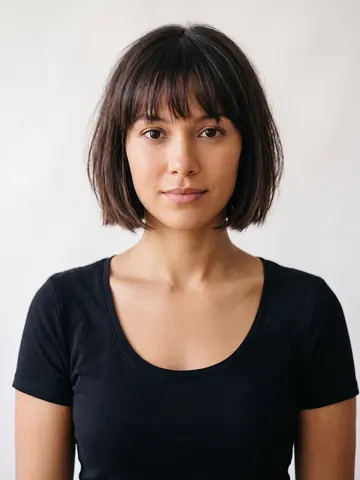 French Bob
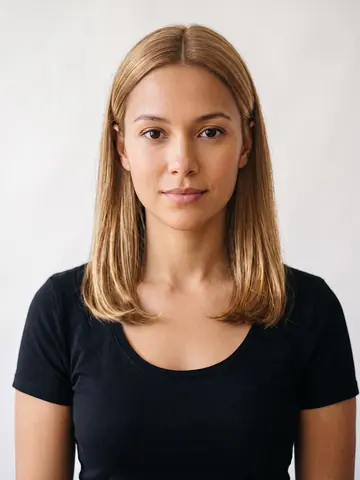 Honey Blonde
 Curly Bangs
One face. 138 cuts.
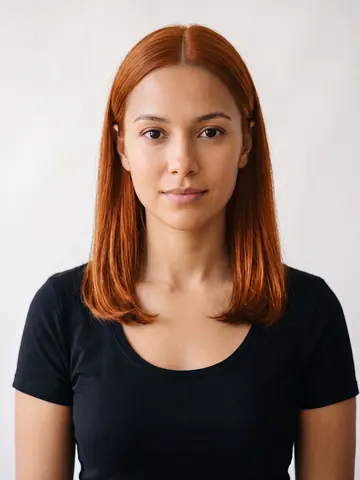
Every render below is the same studio portrait wearing a different cut from the catalog. That is what the app does with your photo.
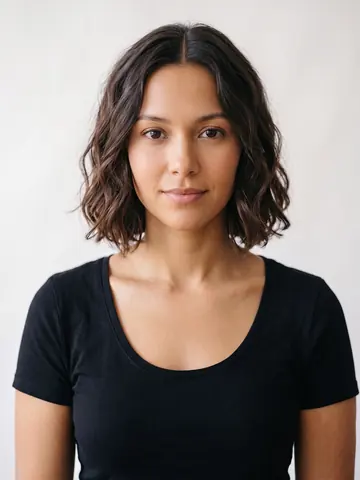
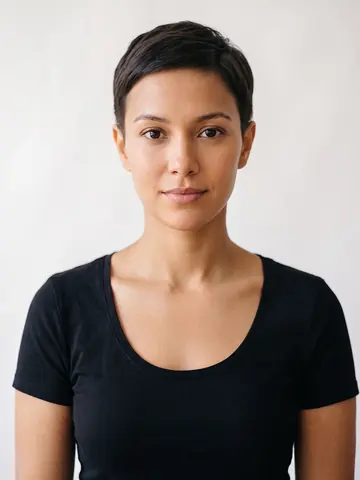
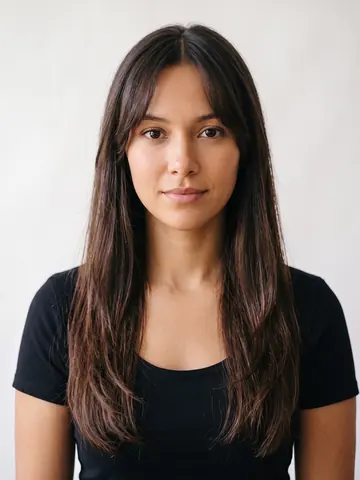
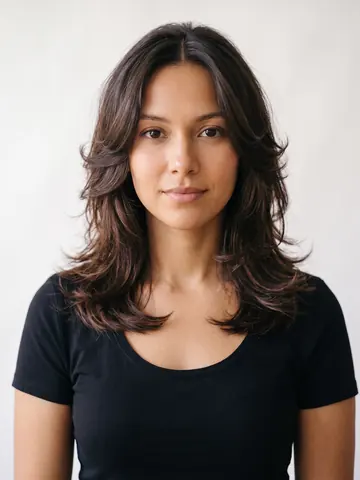
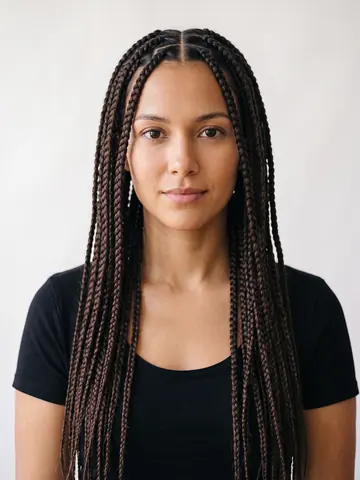
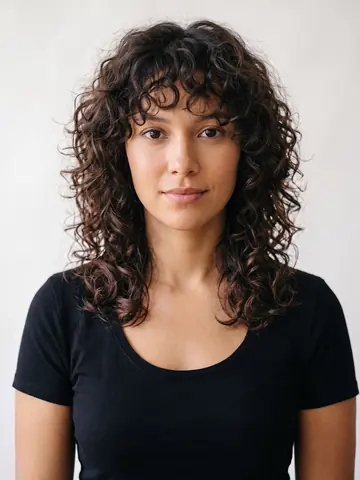
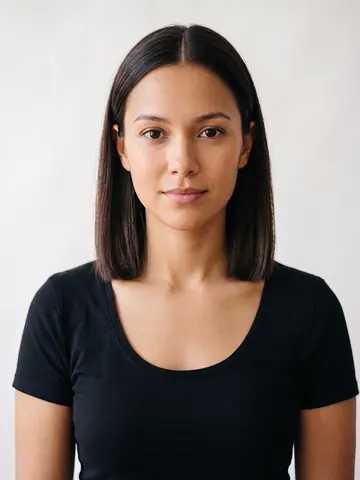
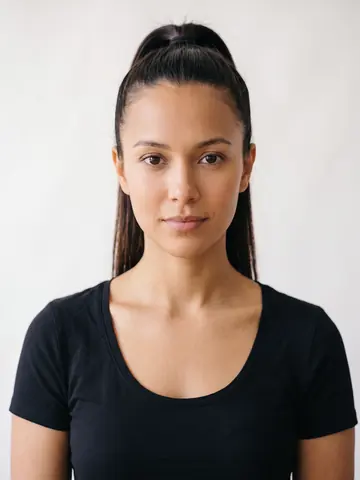
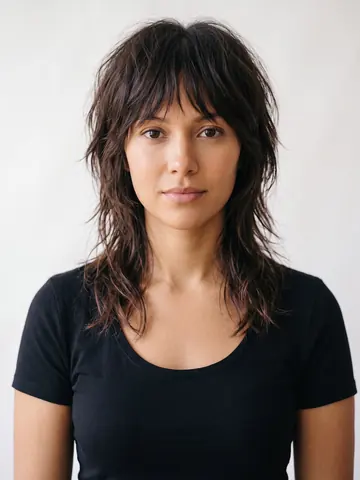
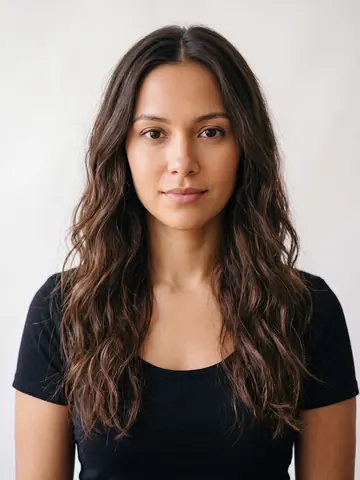
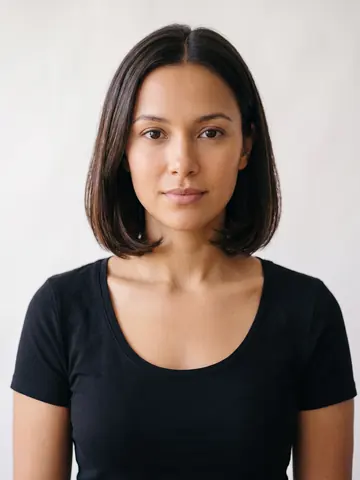
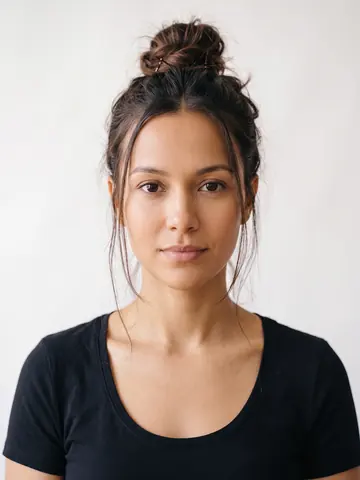
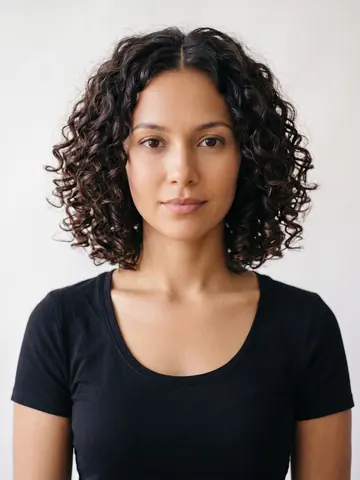
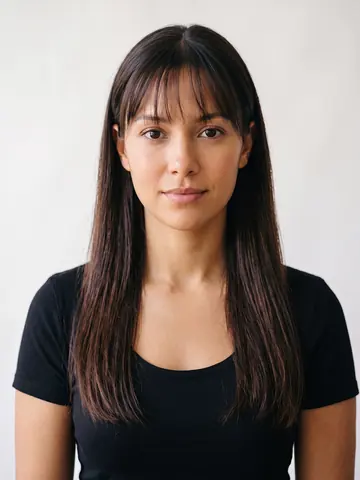
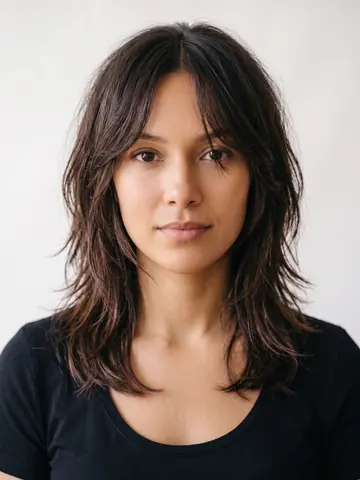
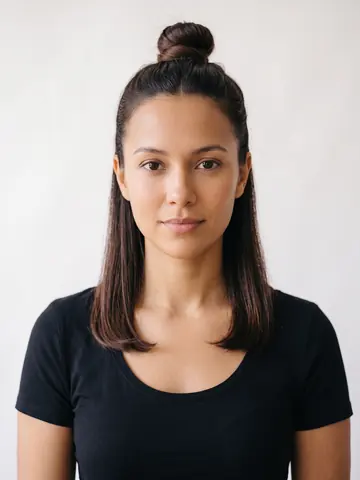
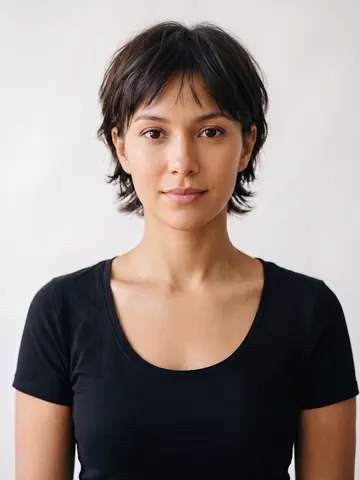
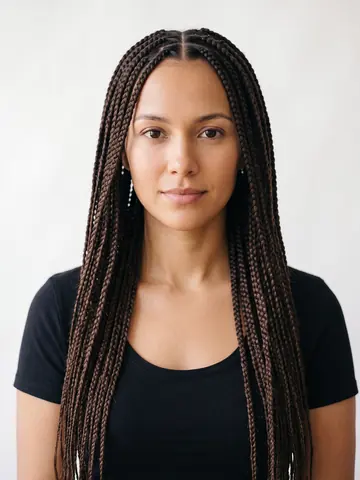
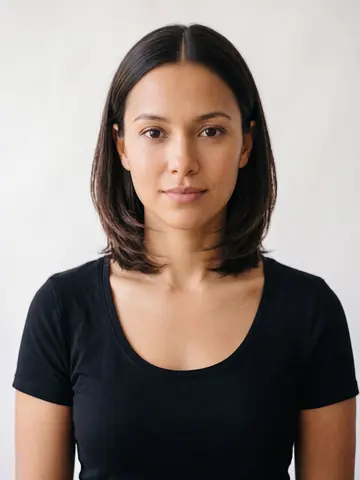
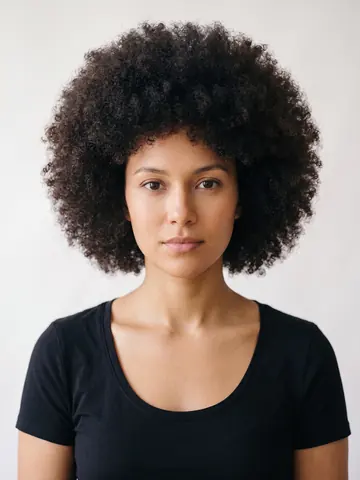
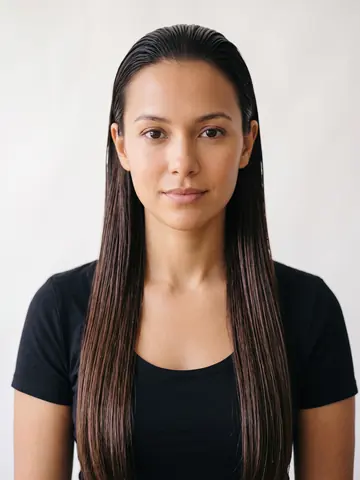
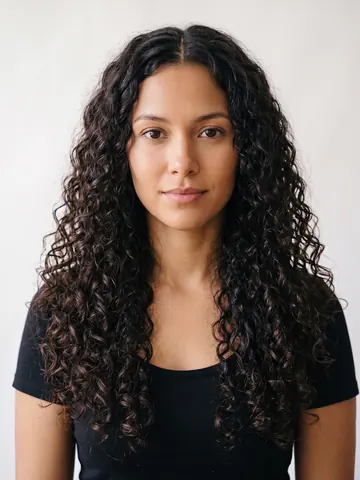
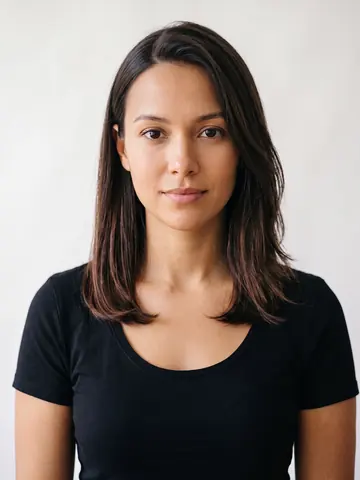
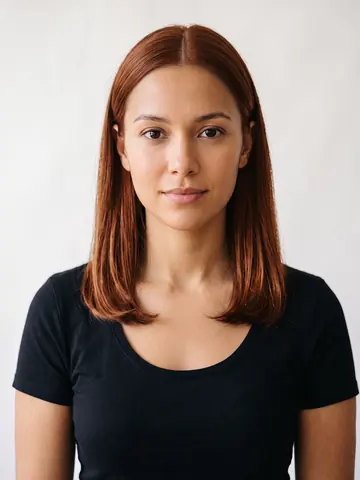
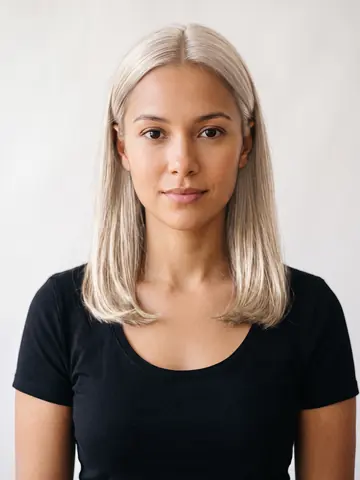
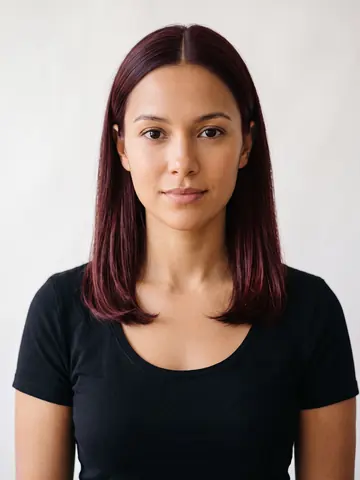
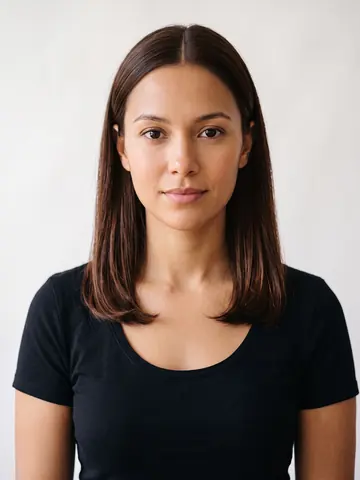
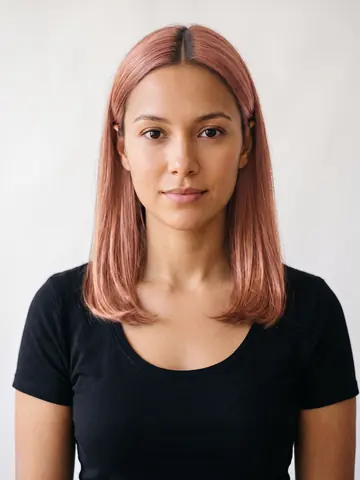
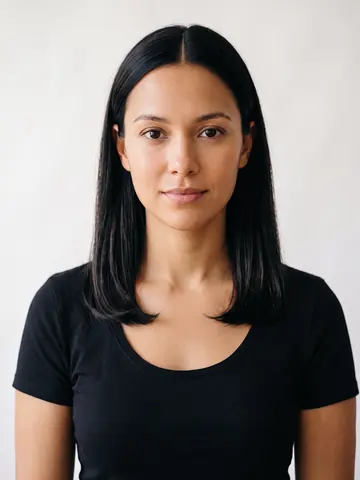
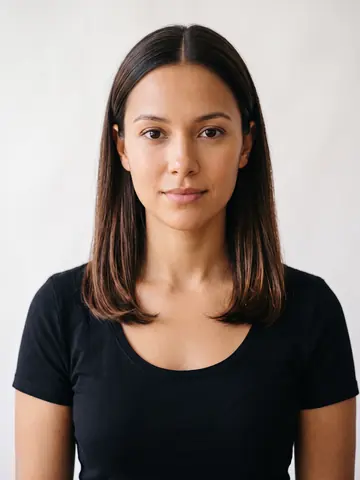
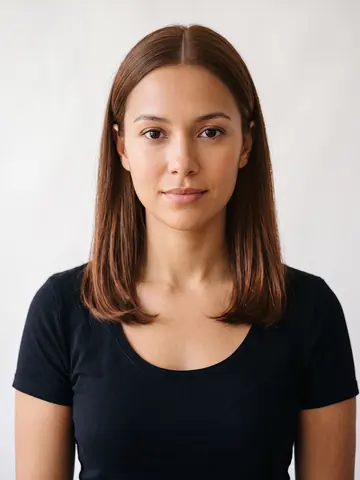
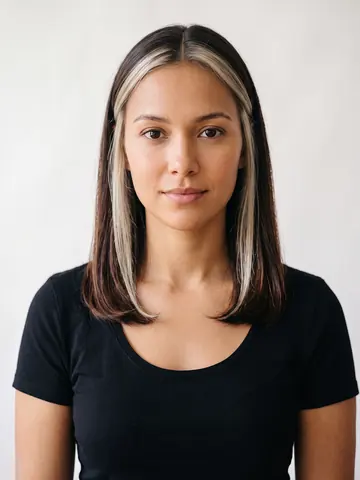
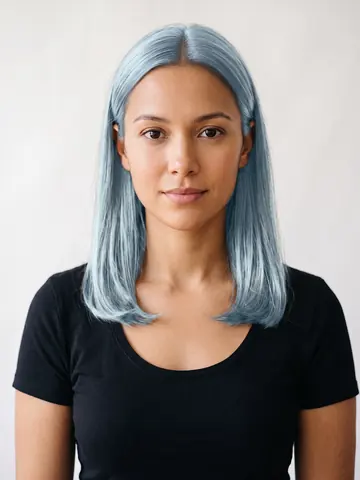
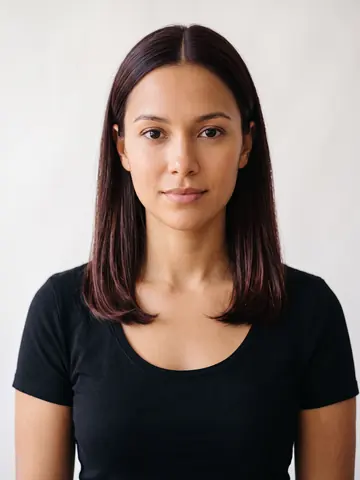
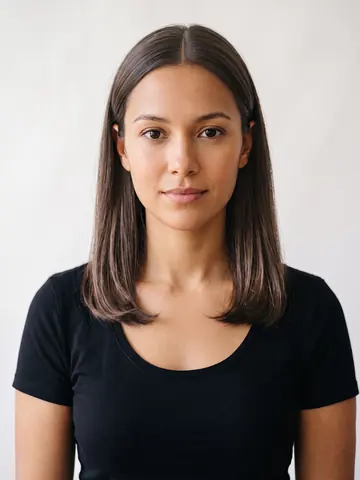
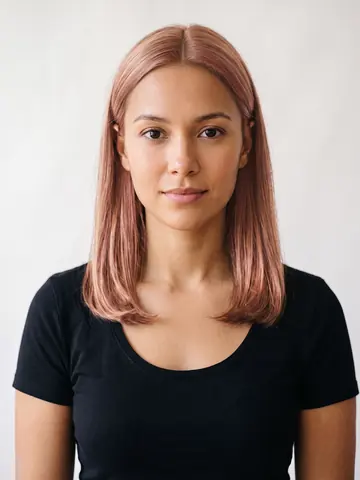
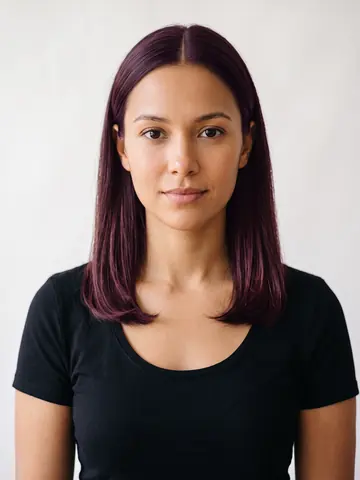
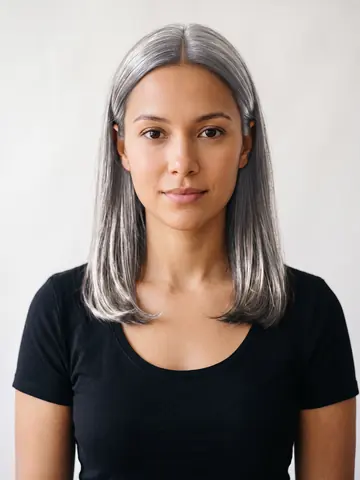
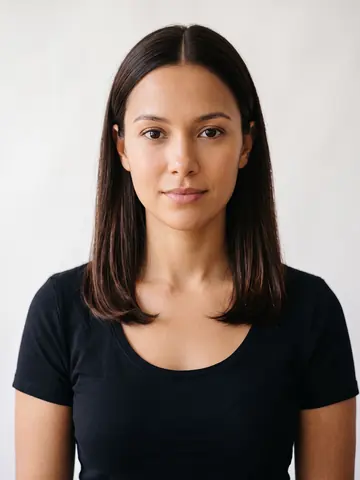
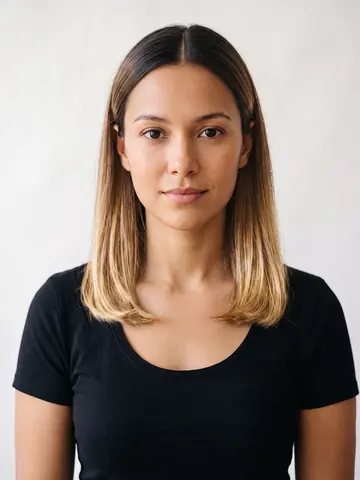
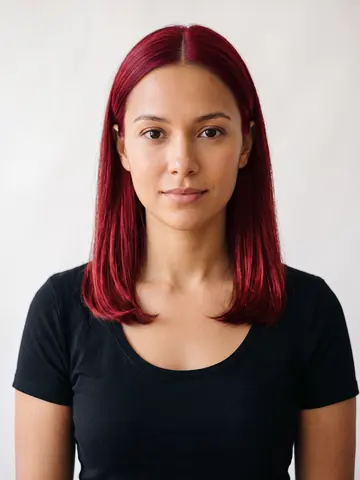
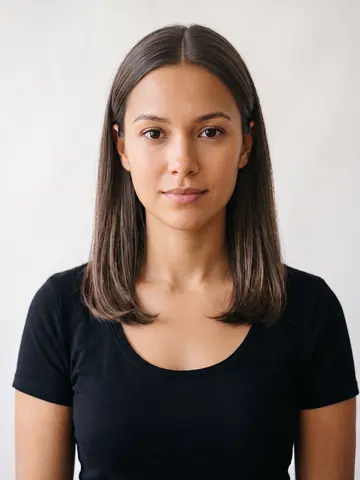
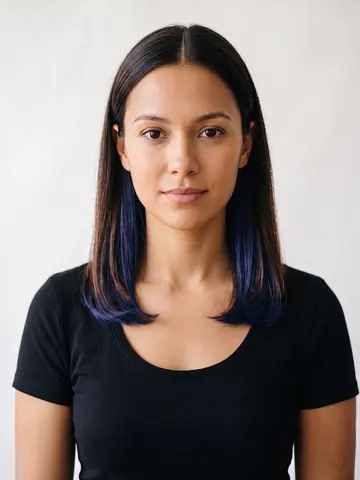
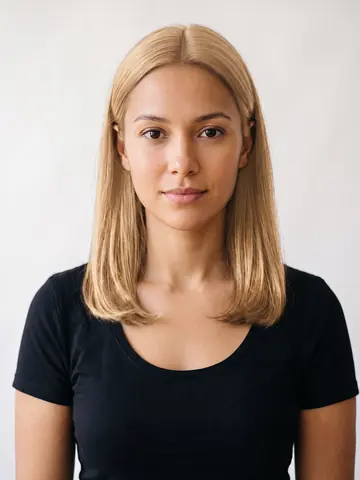
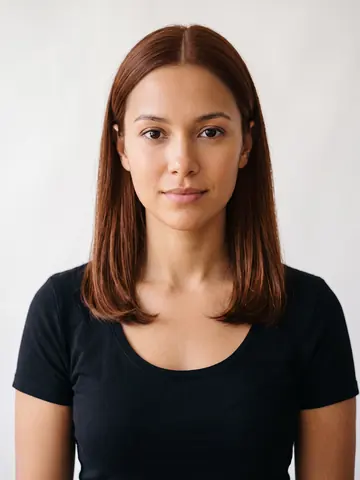
Hair, color, makeup and Halloween, all on you
The app opens on four studios. Each one takes the same selfie and changes one thing about it, so you can judge a cut, a shade, a lip or a Halloween look without the others getting in the way.

Hair Studio
Any cut, on your own photo, in seconds.
138 styles
Hair Colors
Balayage, split dye and peekaboo, on your hair.
125 shades
Makeup StudioNew
Full looks and single touches, on your face.
36 looks
Halloween StudioNew
Skulls, witches and this year's characters, on your face.
39 looksThree taps from selfie to new hair
No booking, no consultation fee, no growing it back out for six months.
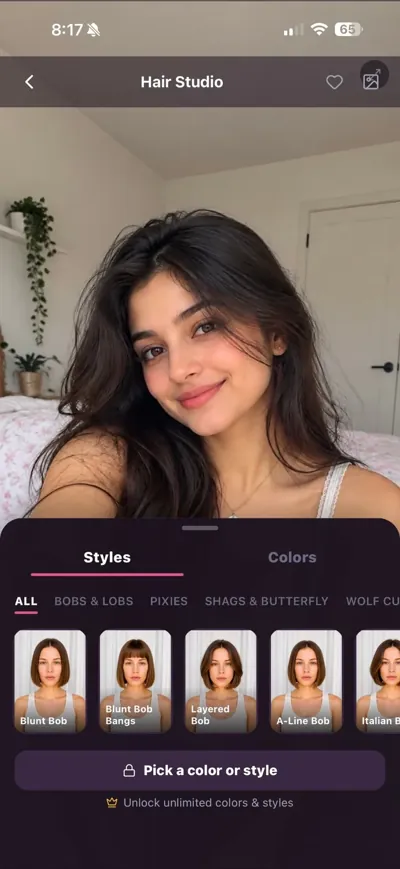
Add one photo
Front facing, even light, hair back off your forehead. There is no account to create and no password to remember. Open a studio, add the photo, and the whole catalog sits under it.
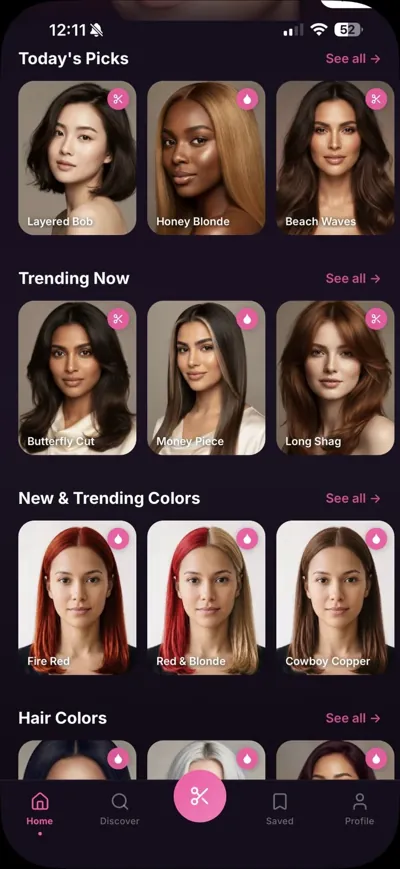
Pick a cut, a color or a look
Browse Today's Picks, Trending Now and the color rows, or search Discover for something specific like a butterfly cut or money piece highlights.

 BeforeWavy bob
See it on your face
The result comes back in seconds with your features intact. Drag the handle above to see the kind of edit it makes. Save the ones that work and take the winner to your stylist.
Why trying it on your own face matters
The difference between a hairstyle app and a hairstyle catalog.
-
01
A catalog photo tells you nothing
The model in the photo has a different face shape, a different hairline and different coloring. A blunt bob on a long oval face is a completely different haircut than the same bob on a round face. You cannot judge it until you see it on yourself.
-
02
Your face stays your face
HairGlam regenerates your photo with the new hair while keeping your features, skin tone and lighting. If a cut makes your jaw look wider or your forehead look shorter, you will see that before you are sitting in the chair.
-
03
Color is the expensive mistake
A cut grows out. A bad bleach job is months of toner appointments. Seeing platinum, burgundy or jet black against your actual skin tone first is the cheapest test available. The hair color try on page goes through all 125 shades family by family, with what each one starts from and what it costs to keep.
-
04
It doubles as a reference photo
Salon miscommunication usually starts with a photo of someone else. Bringing a render of the cut on your own head is a much clearer brief for your stylist.
Start with the question you actually have
Virtual hairstyle try on
How the try on works, what a good photo looks like, and what to expect from the result.
What haircut suits me?
Find your face shape, then see which cuts flatter it instead of guessing from a chart.
Should I get bangs?
Curtain, blunt, wispy and side swept, tested on your photo before the scissors come out.
Try on hair colors
Blonde, burgundy, jet black and money piece highlights against your own skin tone.
For men
Fades, buzz cuts, textured fringes and mullets, on your face before the barber's chair.
Guides and comparisons
Face shape guides, cut recommendations, and an honest test of the AI hairstyle apps.
New on the blog
All guides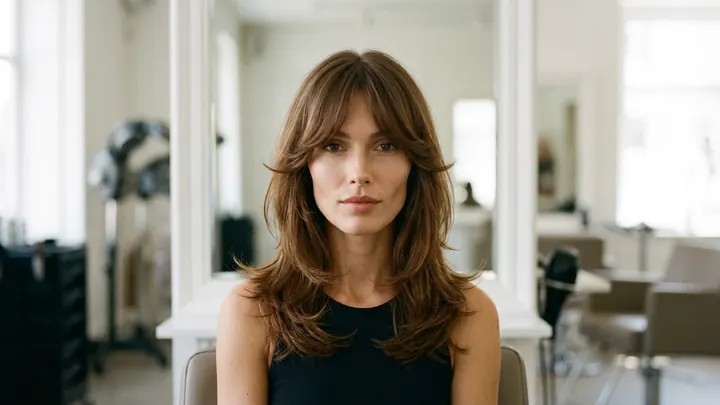
Diamond face shape hairstyles: add width where it helps
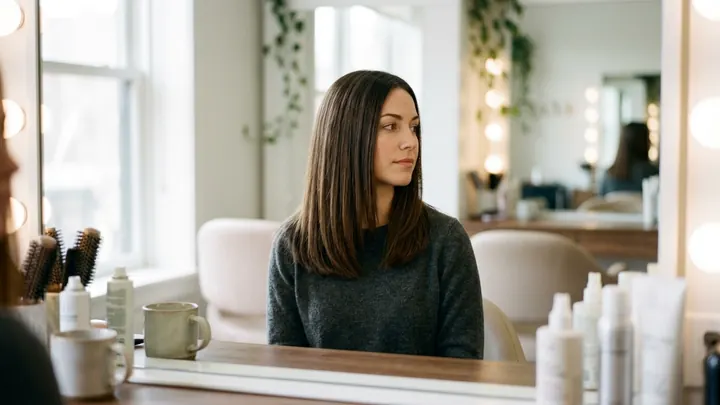
Virtual hair color app: how to test a shade on your own photo
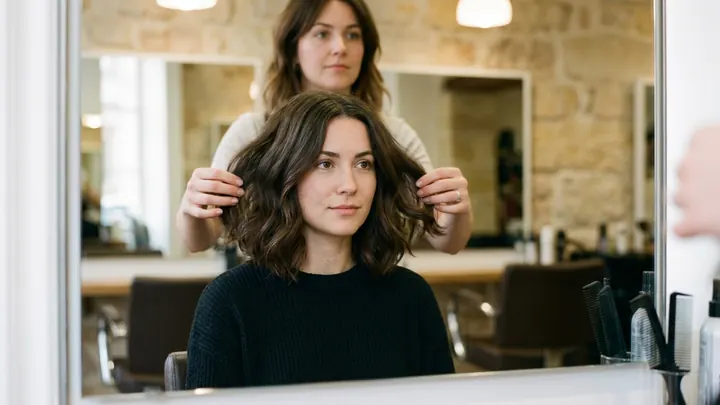
Virtual hairstyles free: what you actually get without paying
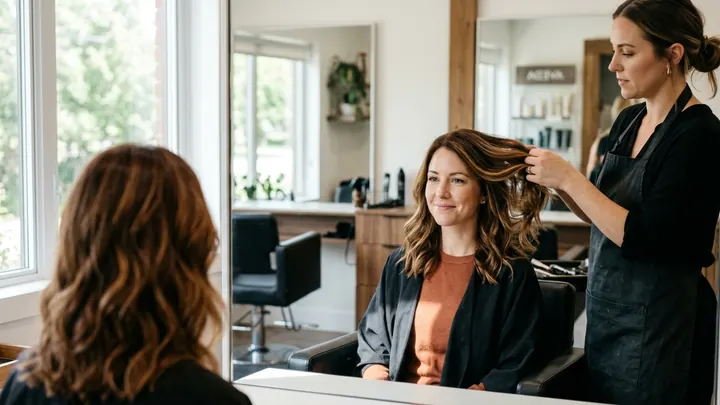
Hair ideas by season: what to change in fall, winter, spring, summer
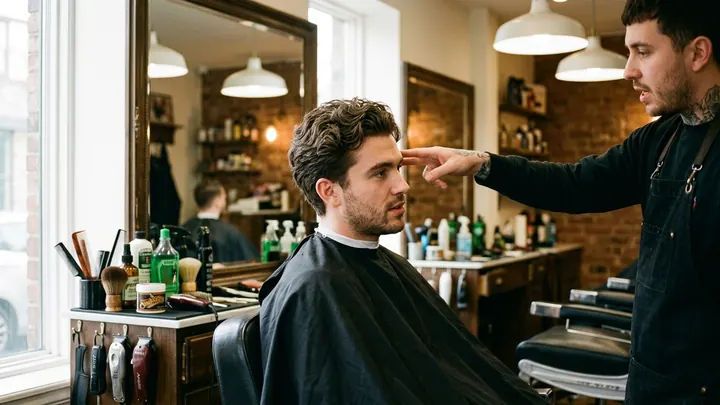
How to describe a haircut to a barber so you get the cut you meant

Beetlejuice makeup: the grimy green ghoul, step by step
Questions people ask before downloading
How does an AI hairstyle try on work?
Is HairGlam free?
Does it use my own face or a model?
How many hairstyles and colors are there?
Can I try bangs on my own photo before I cut them?
Will it work on men's haircuts?
What kind of photo gives the best result?
What happens to my photo?
Can I show the result to my stylist?
Which iPhone do I need?
Try the haircut before you get the haircut
One selfie, 299 looks, and an answer to the question you have been asking the mirror for weeks.

Free to download. iPhone, iOS 15.1 or later.
 Point your iPhone camera here